
Remote Eyes on Every Liquor Store Shift
Human monitors give liquor store owners and operators real-time visibility into shrink and after-hours risk.
How does remote monitoring work for a liquor store, and who is it for? Watch Your Biz provides B2B remote operations monitoring and loss prevention for liquor store owners, covering high-theft hours, register compliance, and after-hours activity. It is built for owners of one or multiple locations who need documented, real-time oversight rather than a passive alarm system.
Live Human Monitoring
Human monitors, not AI, active 24/7.
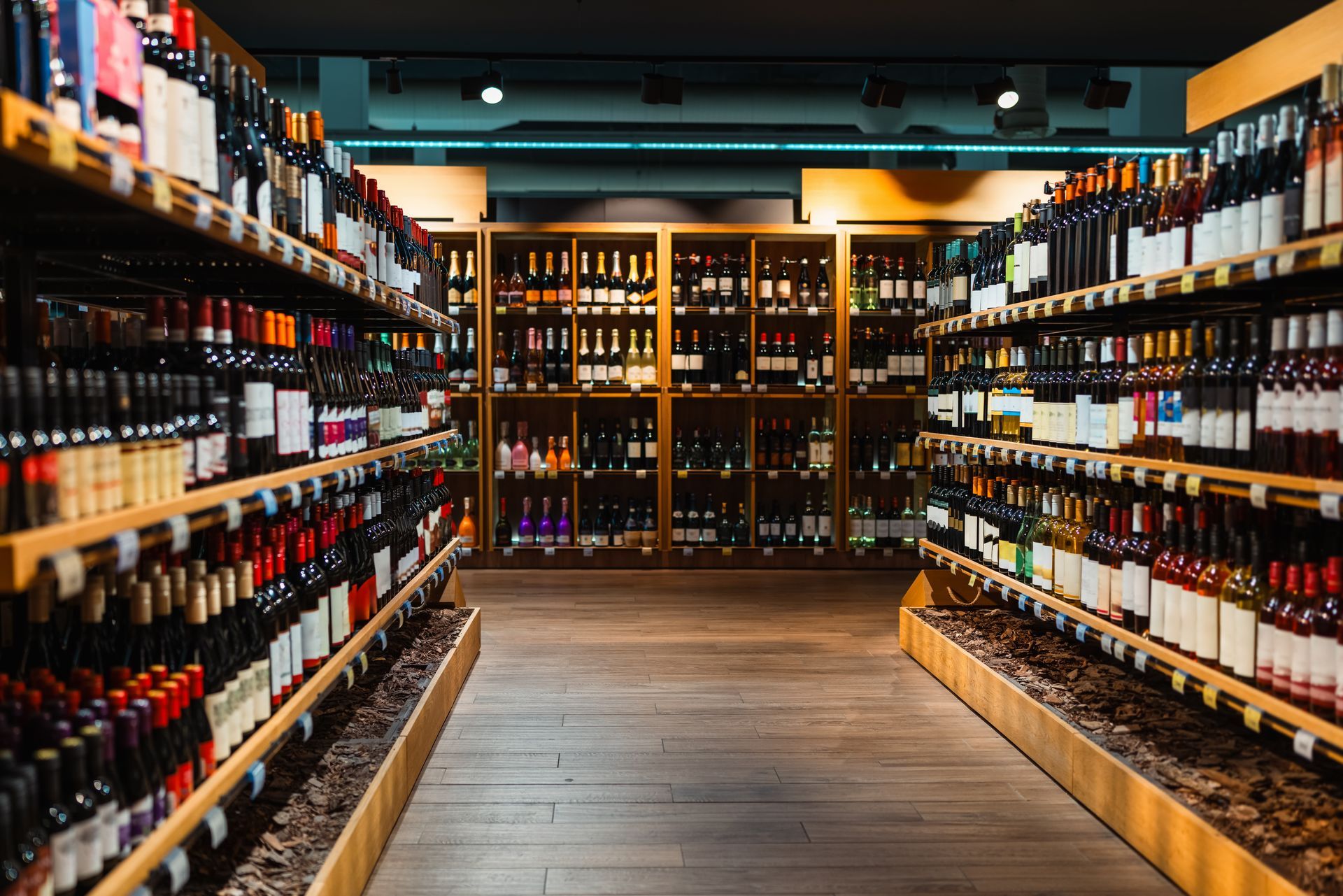
Liquor stores face unique shrink and compliance risks that standard alarm systems miss. Watch Your Biz deploys trained human experts monitoring cameras in real time, not AI automation. Real monitors catch incidents as they happen and generate actionable, timestamped documentation for owners and managers.
Local to the Valley
Familiar with the risk patterns specific to liquor retail in this market.
Documented Incidents
Every flag comes timestamped and logged, not a vague notification.
Human Monitors, Not AI
Every feed watched by a trained person.
Daily Reporting
Ownership sees patterns across shifts, not just isolated alerts.
Where Liquor Stores Actually Lose Money
1
High-shrink zones near closing Concealment of high-value bottles tends to spike in the last hour before close, when staff attention shifts to closing tasks.
2
Register scans on high-markup items Missed scans and price overrides on premium bottles quietly erode margin far more than lower-value items.
3
Age-verification compliance Skipped ID checks carry real regulatory risk and are easy to miss during a busy rush without someone watching the counter.
4
After-hours entry and loitering Break-ins and loitering near entrances overnight are far more preventable when someone is watching live.
5
Unattended registers A register left briefly unattended during a shift change is a common, easily overlooked opportunity for loss.
6
Inconsistent oversight across shifts Owners often catch issues only on shifts they happen to work, leaving other shifts unchecked for stretches at a time.
Most of these gaps aren't hardware problems. Owners already have cameras covering these areas; what's usually missing is someone actively watching while it happens, not reviewing it after the loss is already booked.
Serving Tarzana, Calabasas, Encino, Canoga Park, West Hills, Chatsworth, Reseda, Northridge, Sherman Oaks, Winnetka, Agoura Hills, Porter Ranch, and Granada Hills.


What to Check Before Choosing a Monitoring Service
Ask whether feeds are watched live by a trained person or only recorded for later review. A recording documents a loss after the fact; live oversight is what gives you a chance to stop it in progress.
Ask how quickly incidents are reported and whether your existing camera hardware is compatible. A same-day summary and integration with equipment you already have both make a meaningful difference. Get specifics for your location during your free walkthrough.
A look at the monitoring vantage points used across liquor store locations, the sales floor, the register counter, and high-shrink zones.
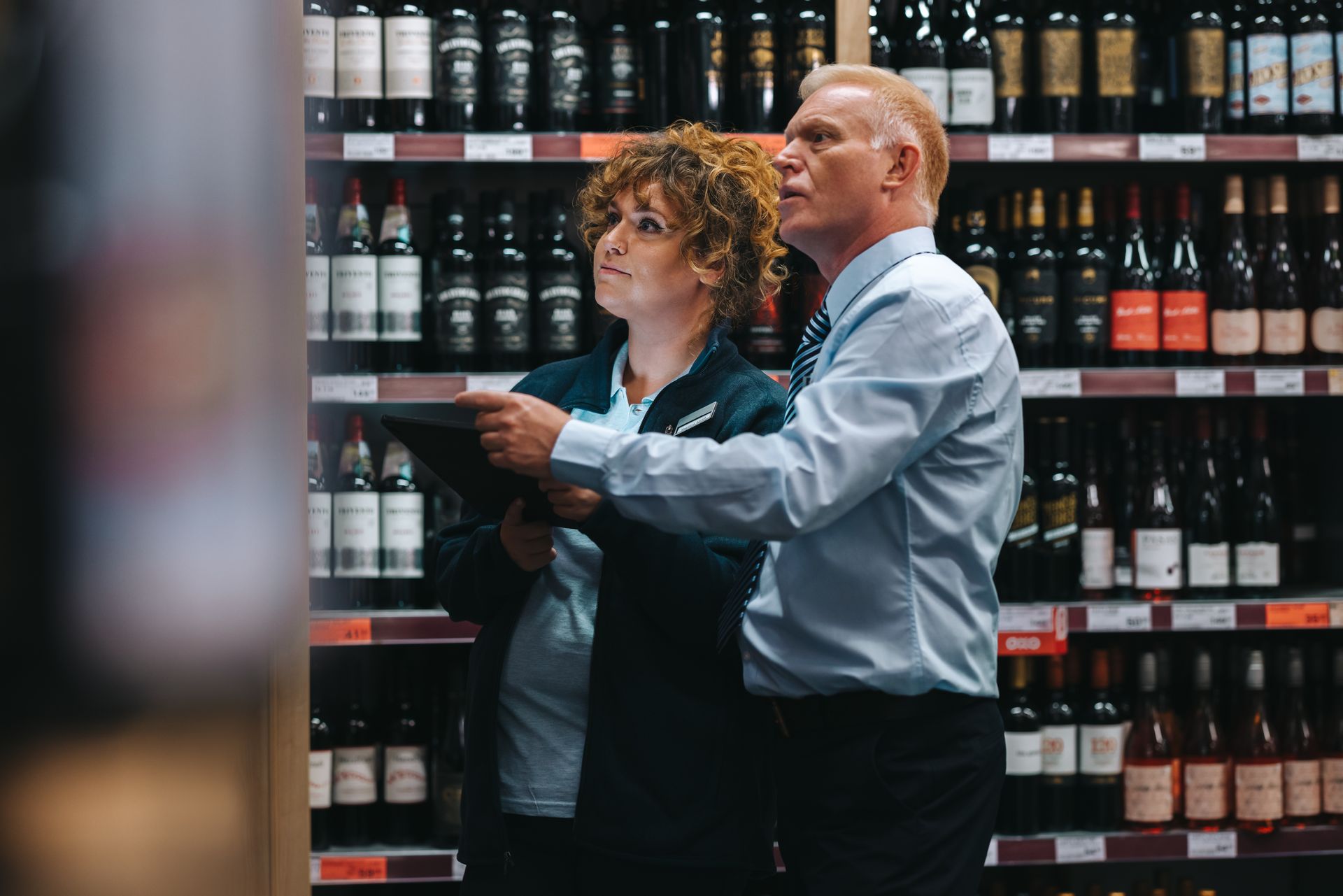
Sales Floor Overview
Register Counter
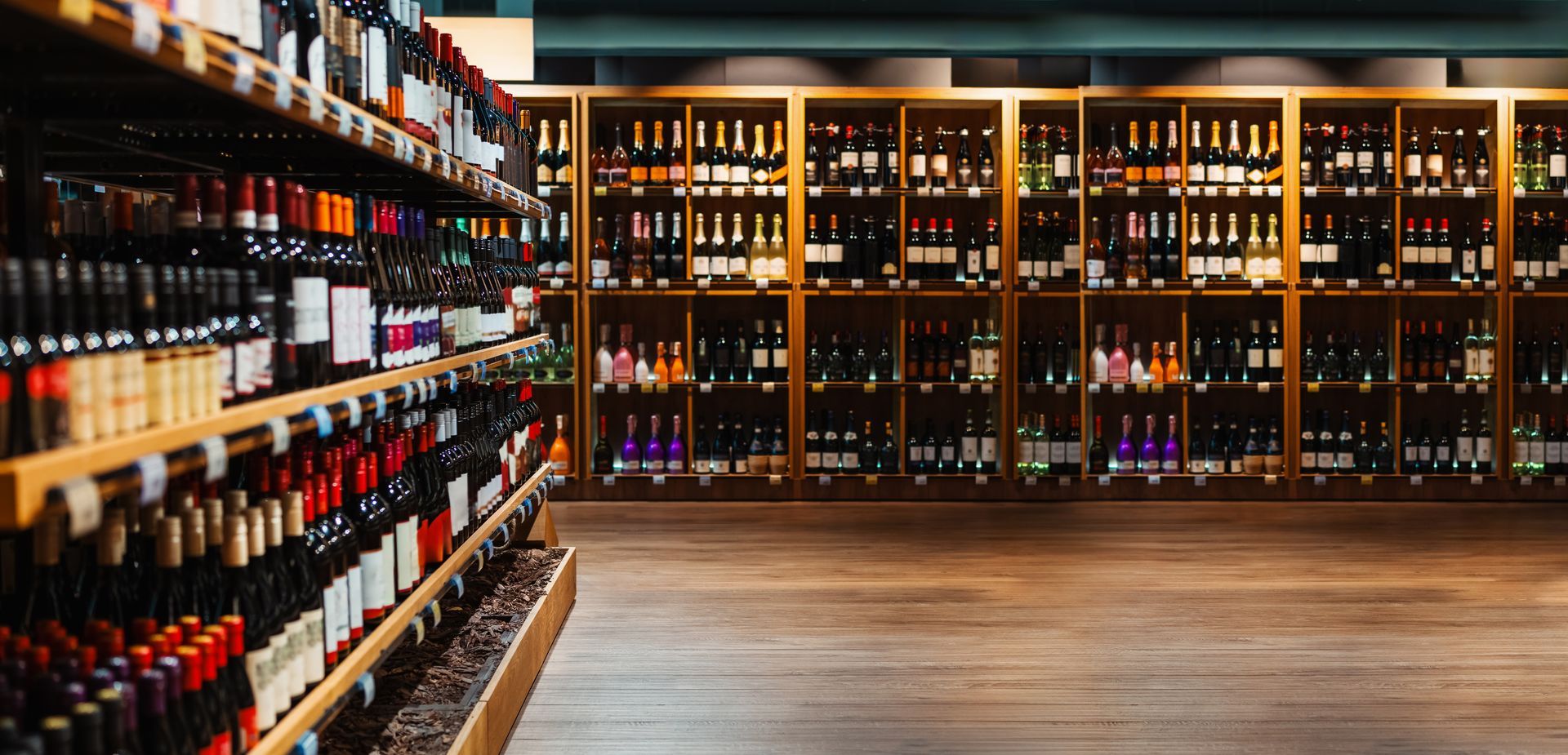
High-Shrink Zones
Ready to See What's Happening at Your Liquor Store, In Real Time?
The walkthrough is free and no-pressure.
Liquor Store Monitoring FAQ
1. What kinds of incidents does your team watch for in a liquor store?
Watch Your Biz monitors for events common to liquor retail, including missed register scans, unattended registers, after-hours foot traffic, and behavior in high-theft zones. Trained human monitors observe live camera feeds and log flagged activity with timestamps. This gives store owners a documented record they can act on rather than discovering losses after the fact.
2. Is this just automated AI camera software?
No, and that distinction is central to what Watch Your Biz offers. The service relies on trained human experts watching your cameras, not an algorithm. Human monitors catch context that automated systems routinely miss, and they can escalate or document an incident in real time rather than generating an alert that nobody reviews until the next day.
3. Do I need to replace my existing cameras?
Watch Your Biz is designed to work within your existing operations, and the onboarding process includes a remote walkthrough to assess your current camera coverage. If gaps exist, the team will identify them before monitoring begins so you know exactly what is and isn't being observed.
4. How do I know what your monitors are seeing each day?
Owners and managers receive daily activity reports summarizing flagged events for their location. The client portal, currently in development, is also intended to give clients direct access to reports, compliance checklists, and employee performance data, so visibility into your store's operations is always within reach.
Explore More Ways We Protect Your Business
Talk to Watch Your Biz Today
The walkthrough is free and no-pressure, with no obligation to continue.